
HR Case Management
Manage ongoing HR matters with a named owner, messages, attachments and a configurable workflow, so everyone knows where each case stands from intake to close.
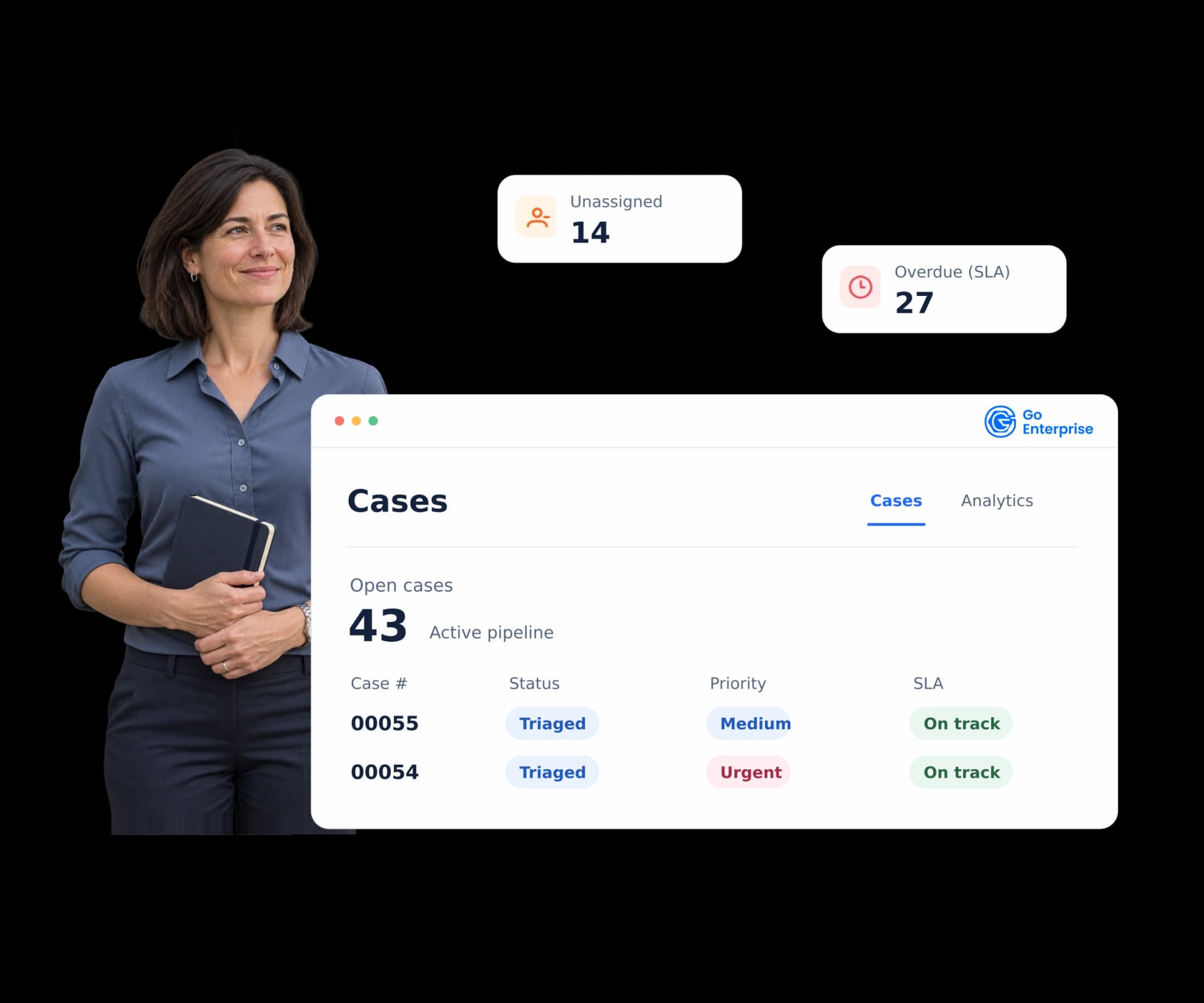
When the details, the owner and the deadline sit in different places, nobody can see where a case really stands.
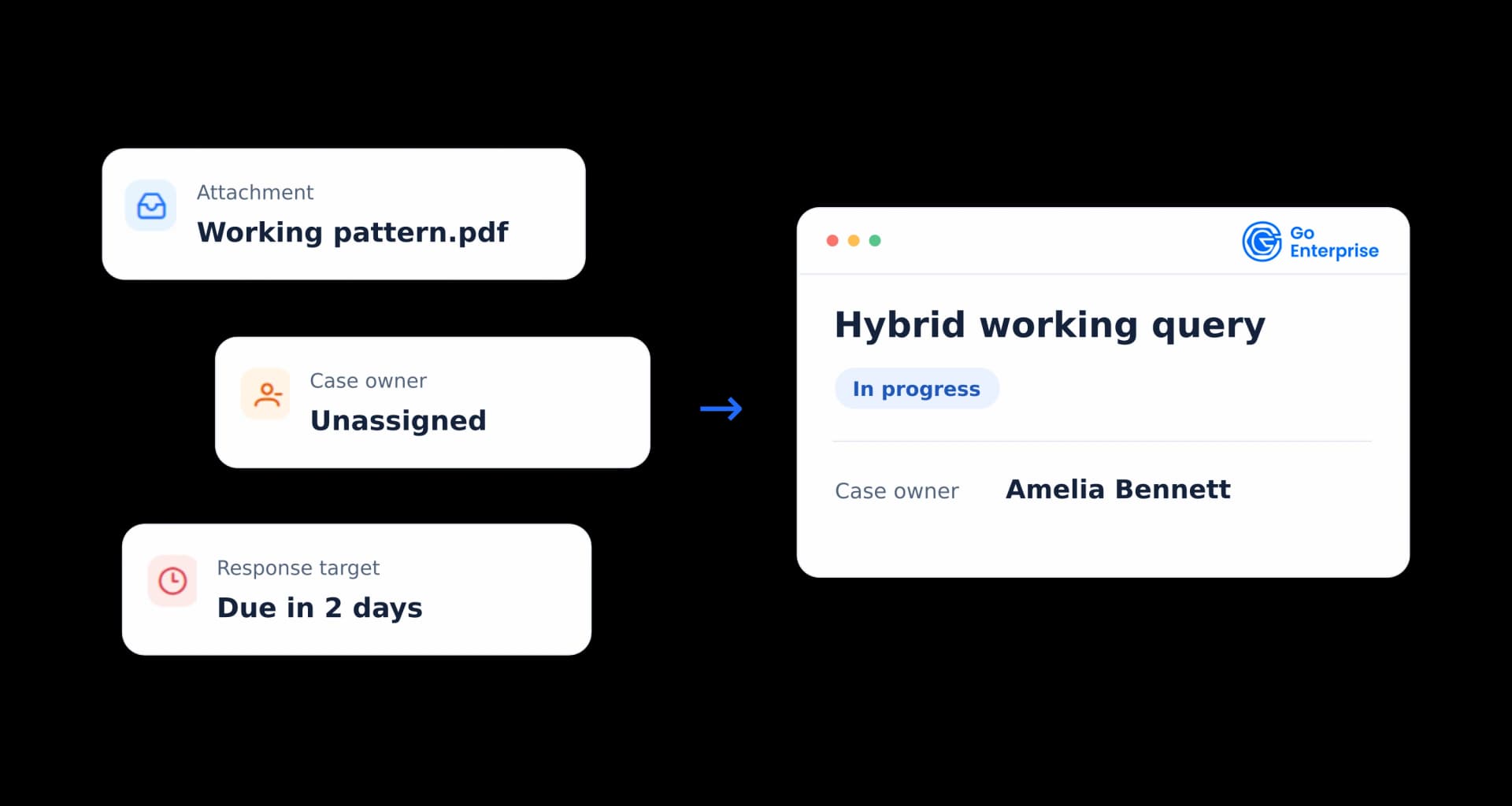
Notes, files and updates for one matter end up in different records, so the full story takes time to piece together.
When nobody is named as the owner, follow-up slips and everyone assumes someone else has it.
Without response and resolution targets on the case, an overdue one is easy to miss until someone chases it.
Explore an example case, tab by tab. The tabs are the ones HR works with in the product.
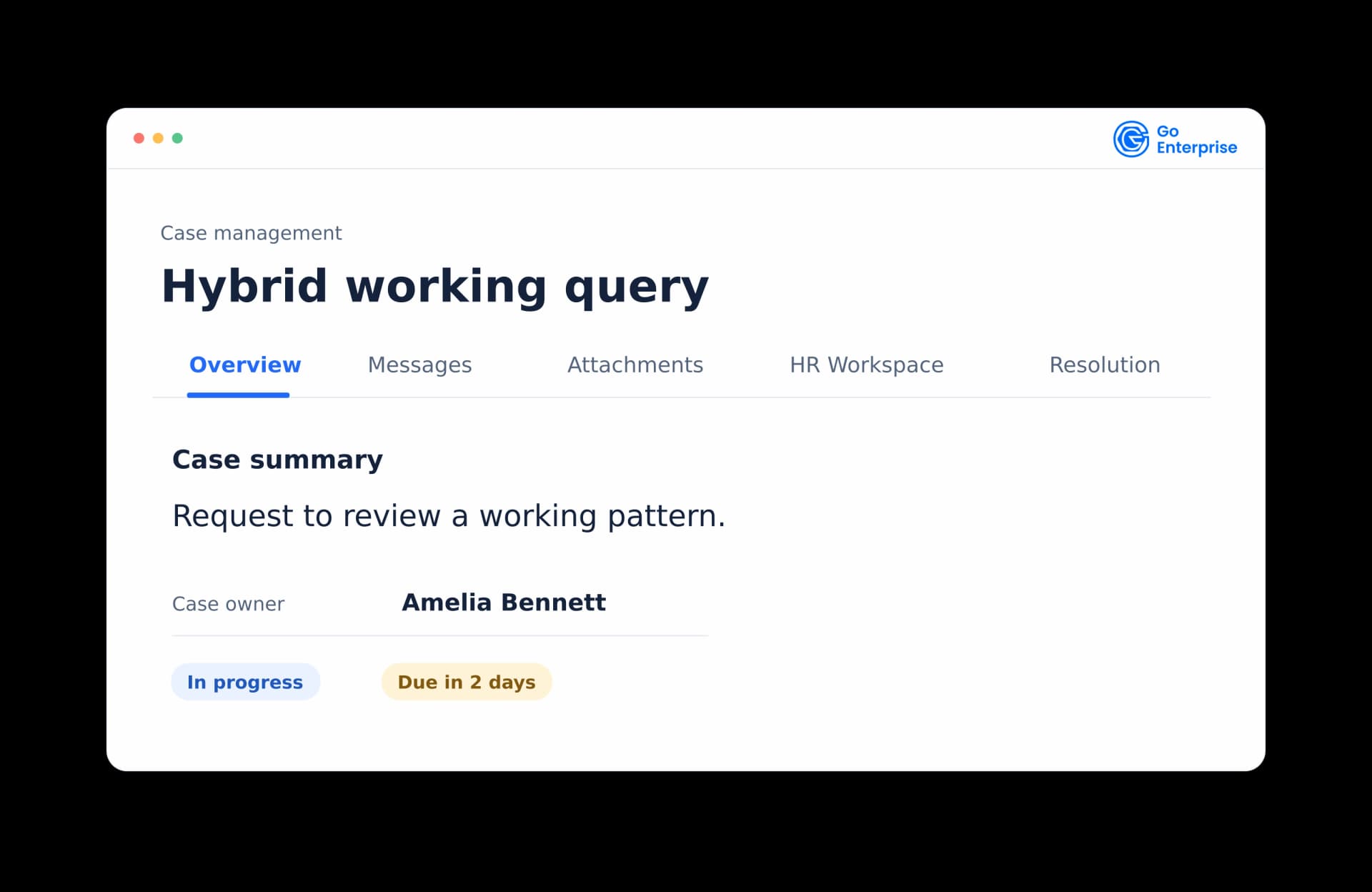
See the case title and ID, its owner and status, and how long is left to its response or resolution target. A flag shows when the case is linked to an investigation.
The whole case at a glance
See the case title and ID, its owner and status, and how long is left to its response or resolution target. A flag shows when the case is linked to an investigation.
Messages with clear visibility
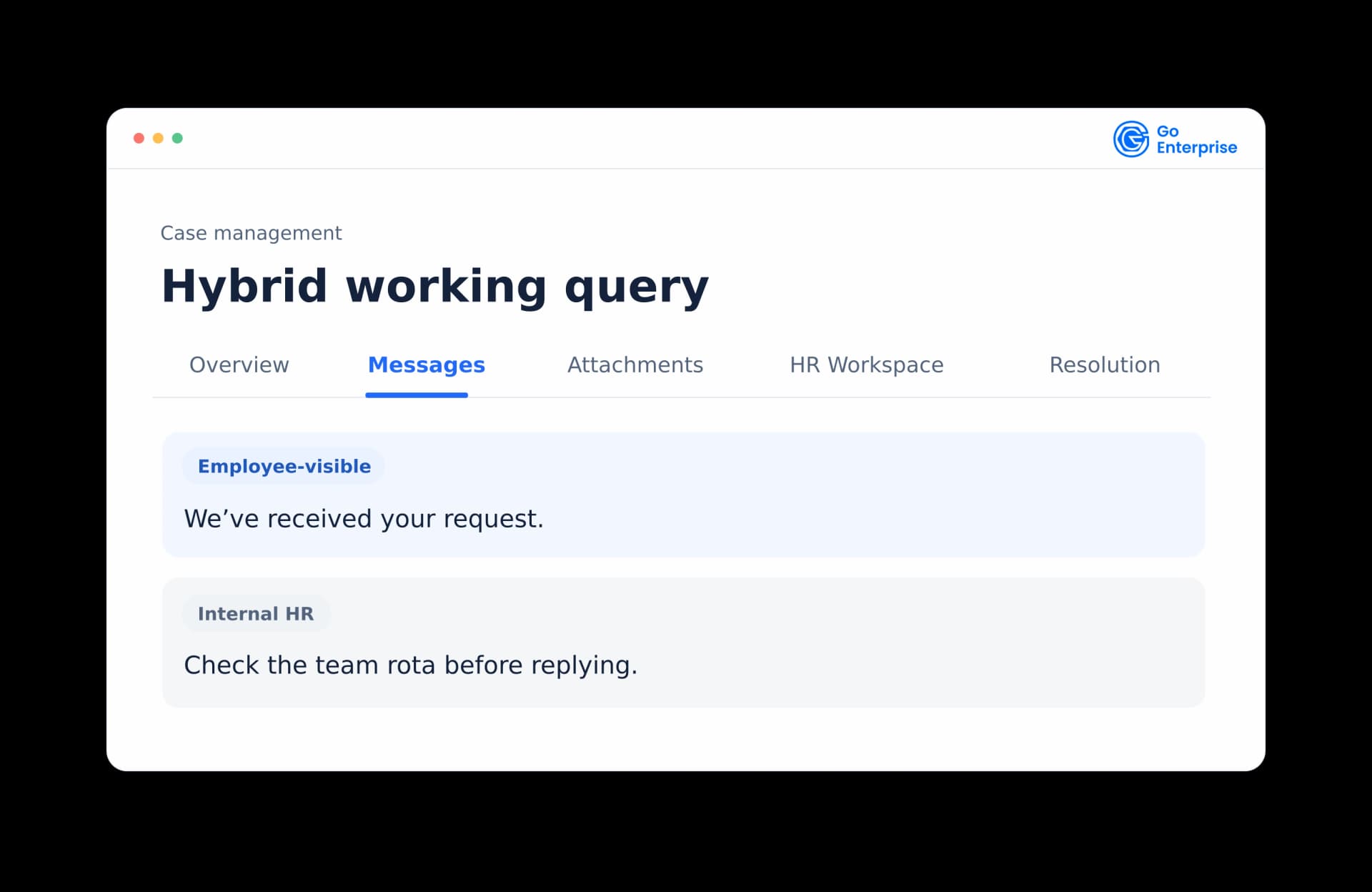
Keep the conversation on the case. Employee-visible messages can be seen by the person who raised it. Internal HR messages stay inside the HR team.
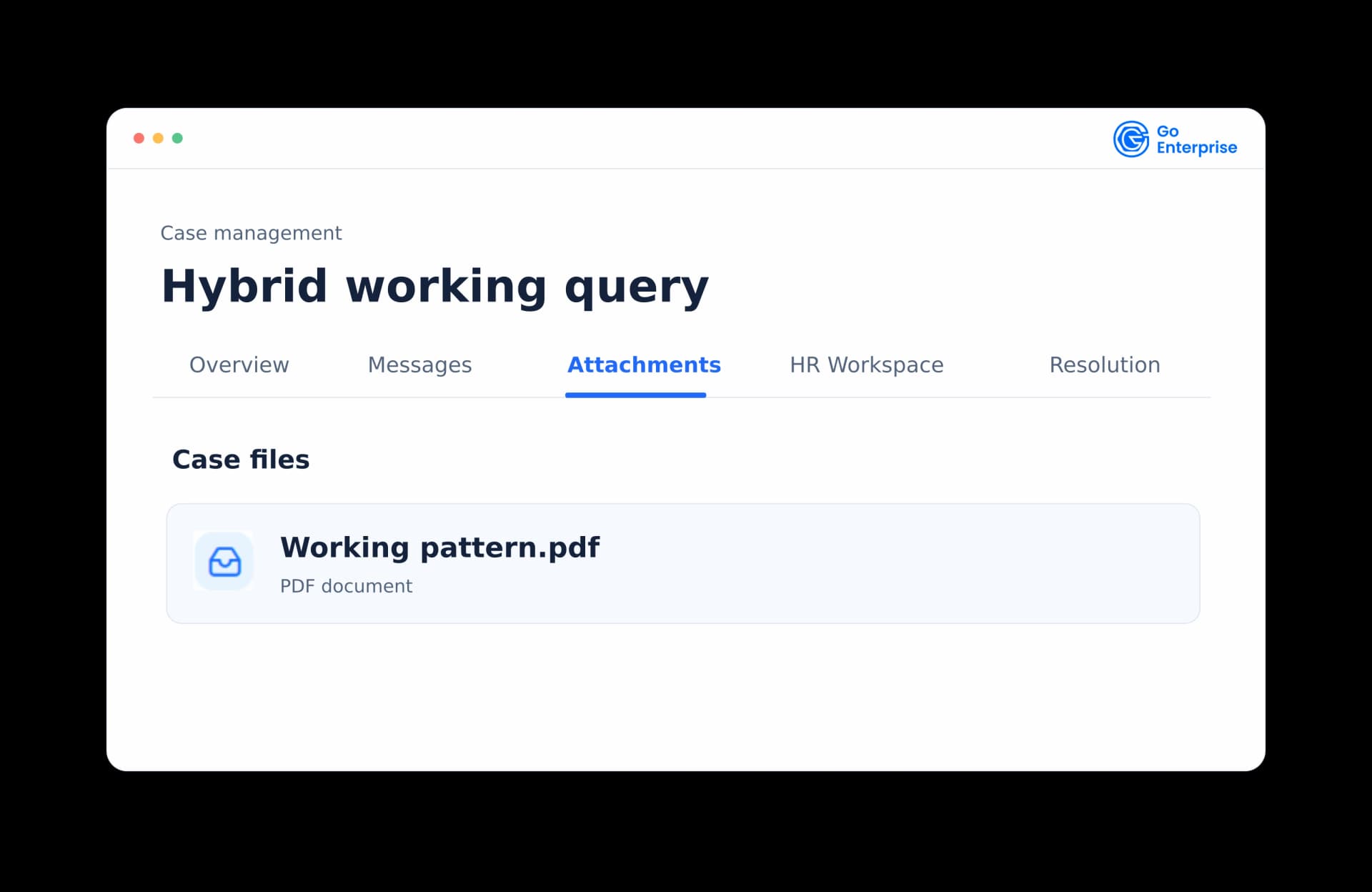
Documents kept with the case
Keep case-related messages and documents organised in one place, so anyone working on the case finds what they need.
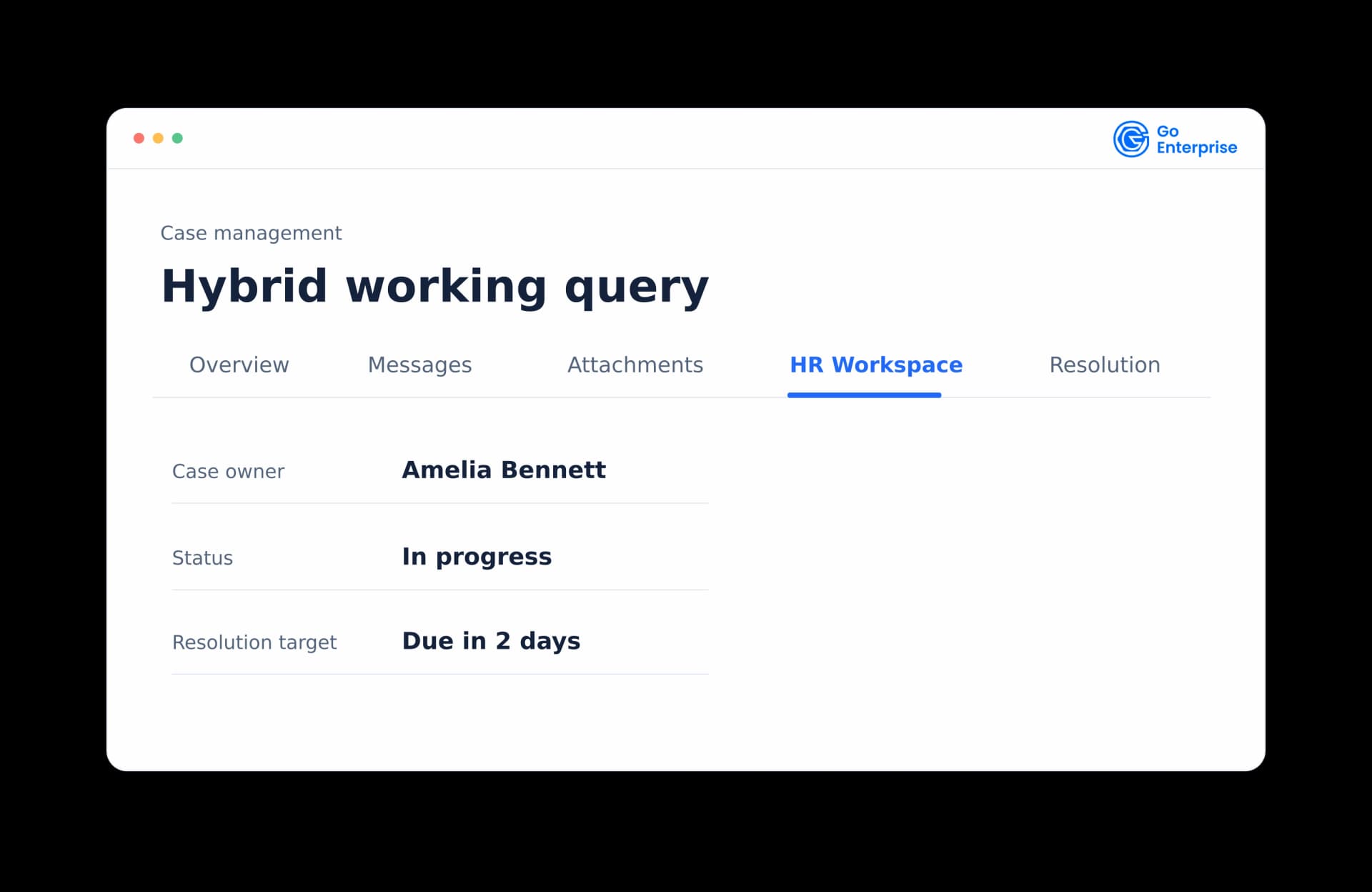
Where HR works the case
The owner and status live here, with the case’s workflow and any linked investigation. Configurable workflow from intake to close.
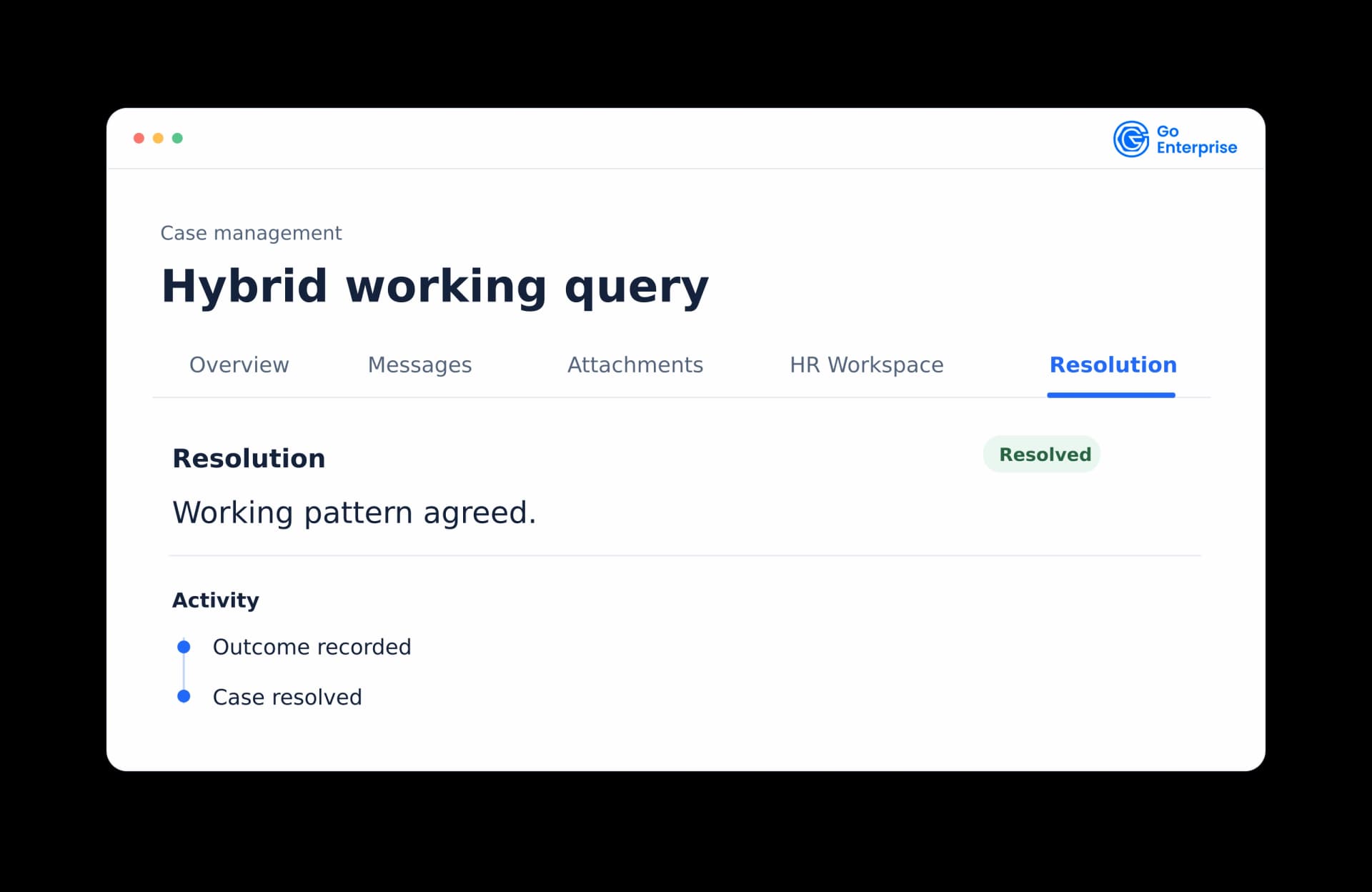
Close it, and see how it got there
Close the case with a closing reason once it is resolved. The activity history shows what happened and when, and a closed case can be reopened.
Eight areas that work together, from the cases inbox to what employees see.
Manage cases through an organised inbox, filters, metrics and detailed case views.
Access a dedicated investigations list and workspace.
Configure case types, workflows and resolution rules.
Set response and resolution targets, and identify overdue or at-risk cases.
Let people submit cases through a link or QR code, without logging in.
Manage investigation officers, the knowledge base, FAQs, message templates and closing reasons.
Monitor case performance through charts and metrics in the Cases workspace.
Give employees a way to submit cases and track their progress.
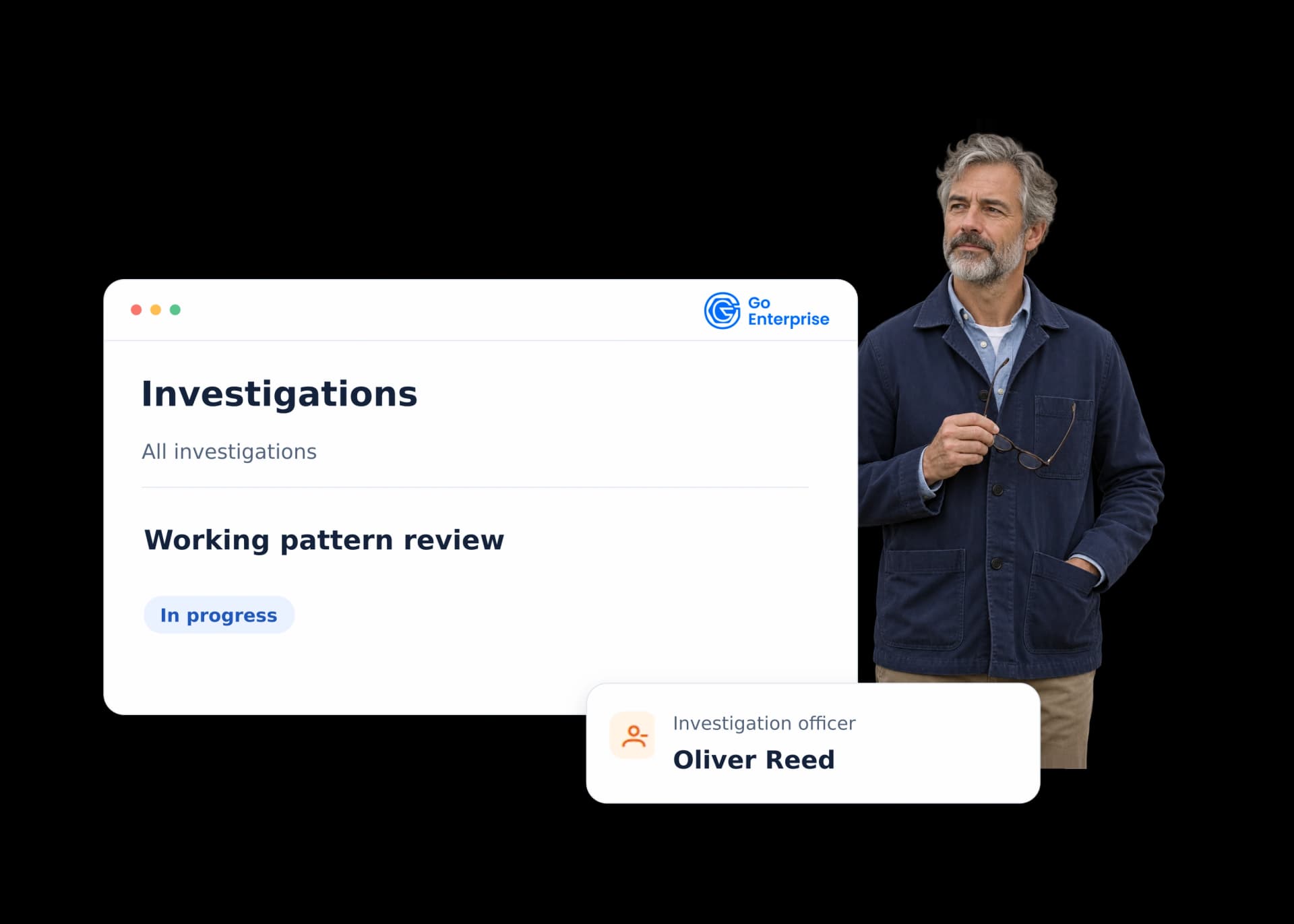
Some matters need a closer look. Investigations have their own list and workspace, so that work stays apart from everyday case handling.
See every investigation in a dedicated list.
Open an investigation to work on it in its own workspace.
A case shows an investigation indicator when it is linked to one.
Manage investigation officers in Configuration.
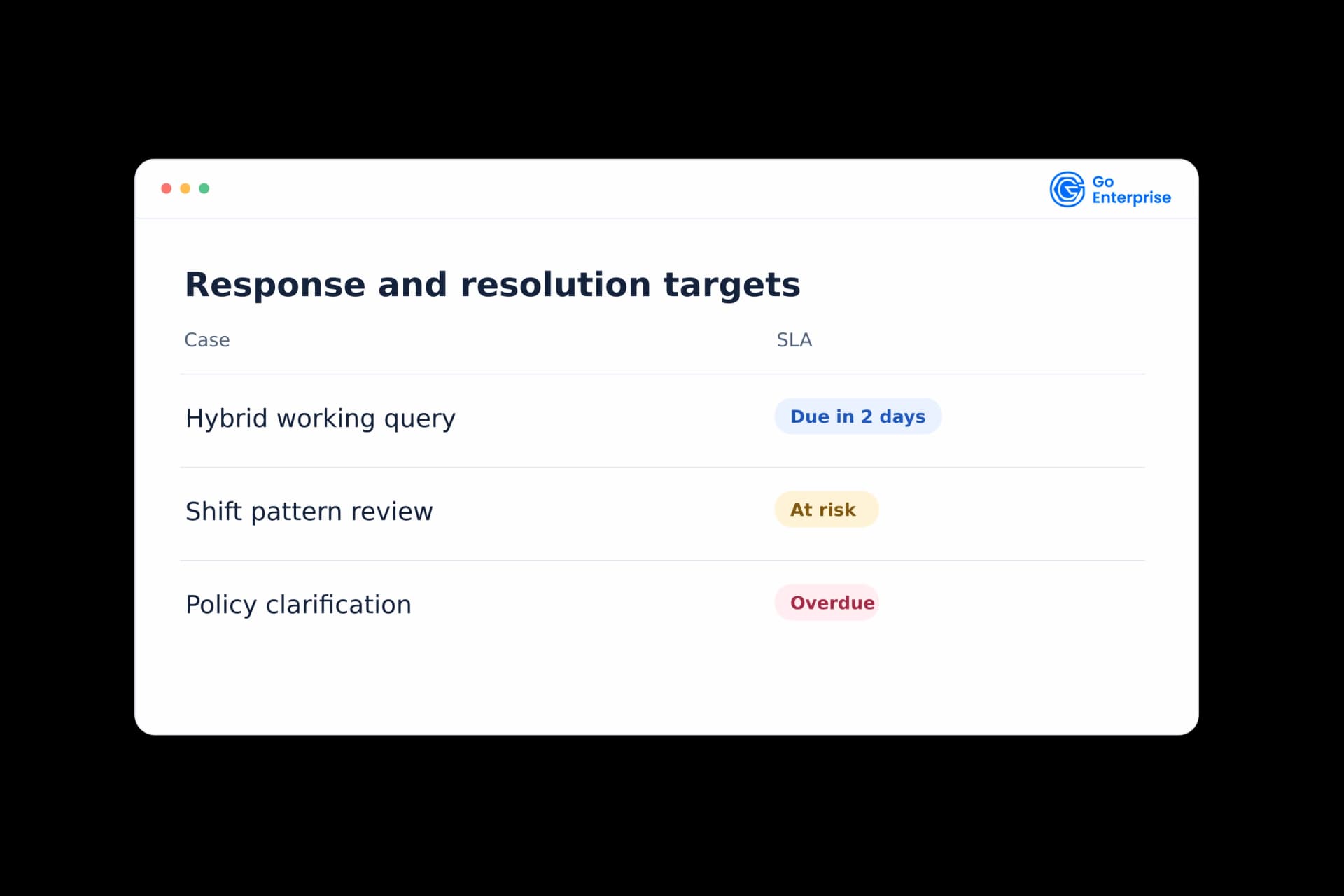
SLA policies set the targets. Every case shows where it stands against them.
Create SLA policies with response and resolution targets.
Each case shows its position against its target, so nobody has to work it out.
Overdue and at-risk cases stand out in the cases inbox, where you can filter and act.
A case can show
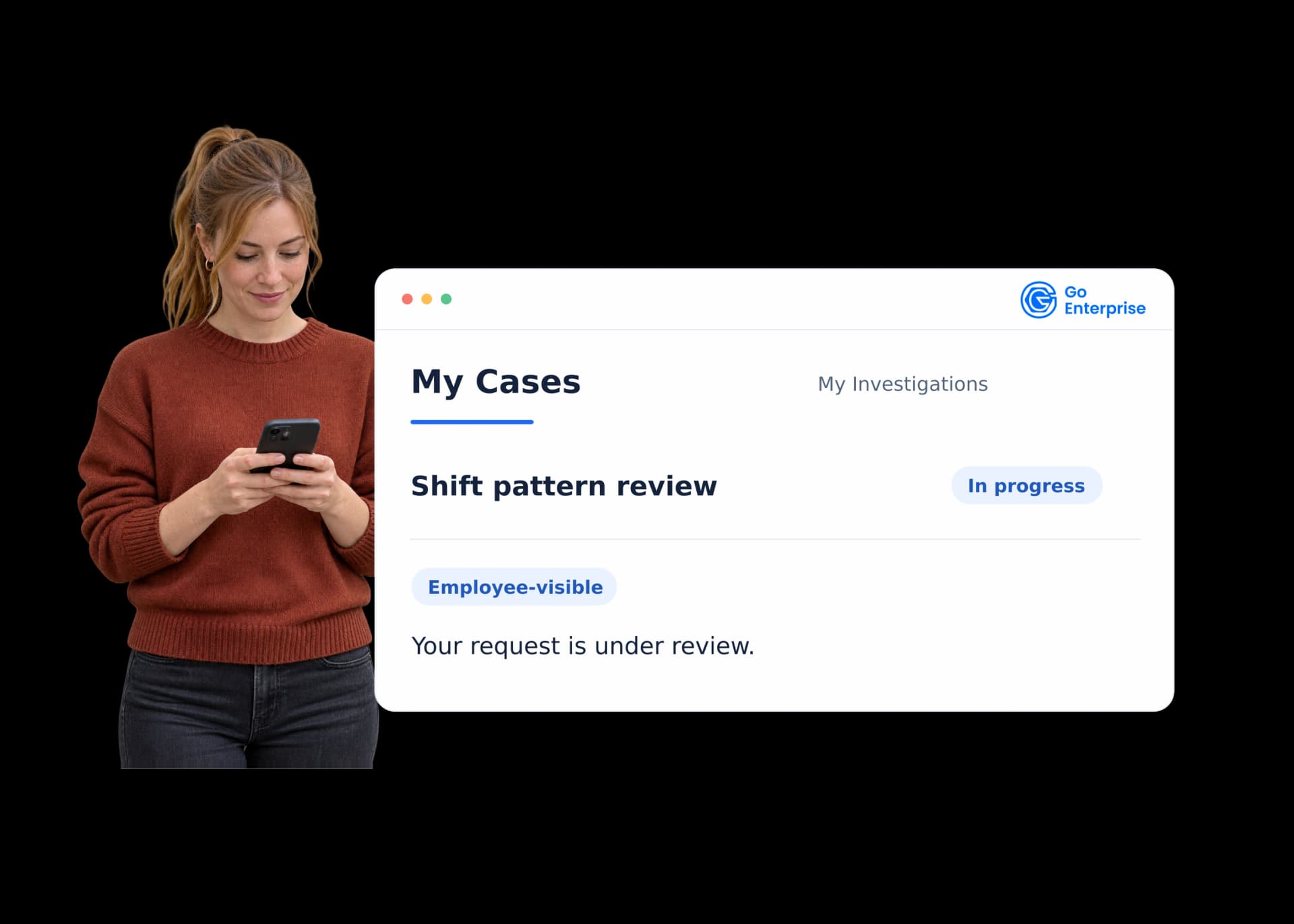
Employees get their own view, so they can raise a matter and see where it stands without chasing HR for an update.
Raise a matter from My Cases.
See the status of each case they have raised.
Read the messages that HR marks employee-visible.
Employees can also open My Investigations, which shows the investigations made available to them.
Employees see their own cases, and only the messages marked employee-visible. They do not see internal HR messages.
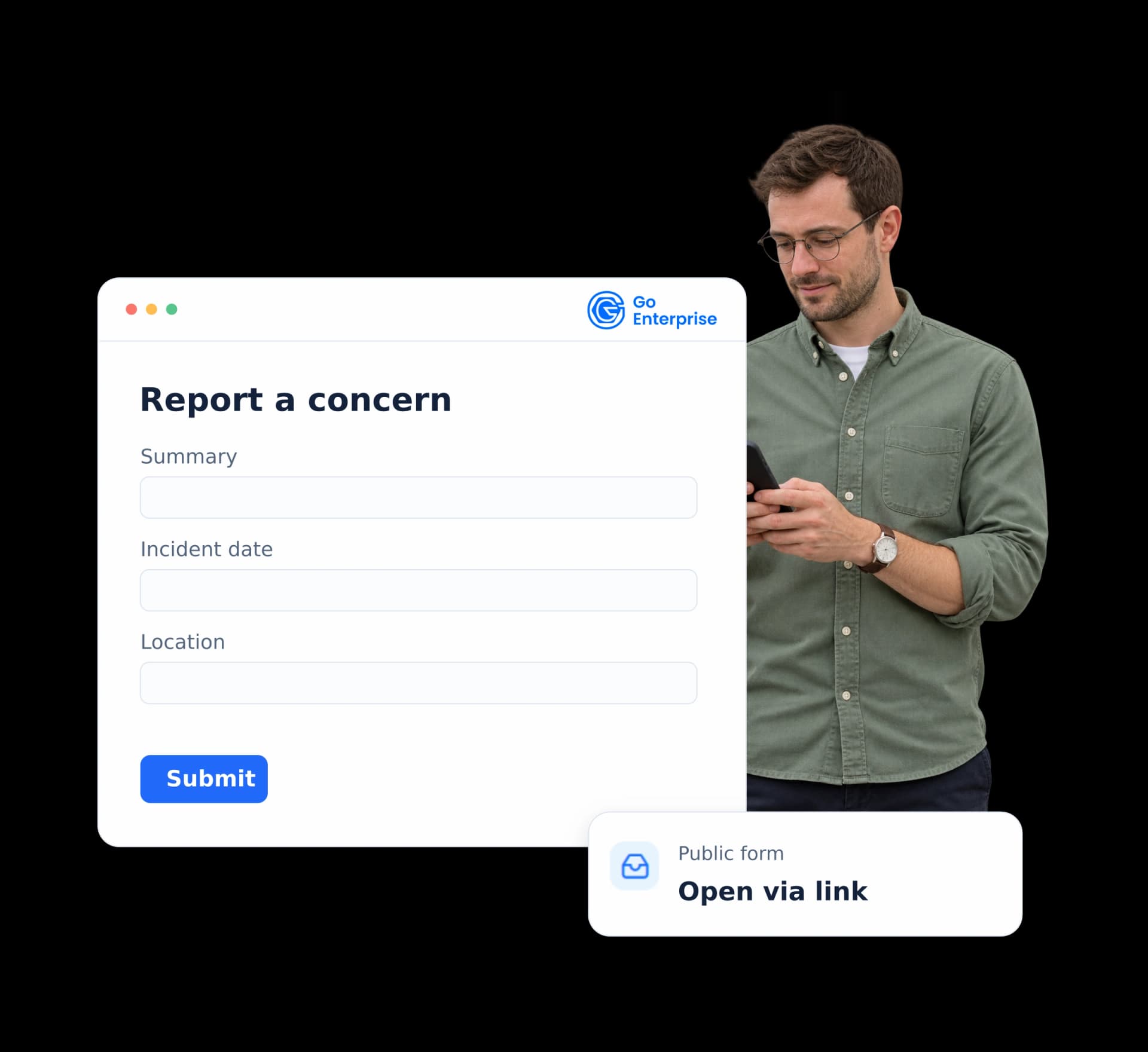
Share a public form as a link or a QR code. Anyone who opens it can submit, with no account needed.
Share the form as a link, or as a QR code people can scan.
People submit without logging in to Go Enterprise HR.
Capture details such as the date and location of an incident, within the case.
Each submission arrives as a case for HR to pick up.
The Cases workspace brings charts and metrics together, so HR can monitor how cases are performing and see where to step in.
Example case metrics
Sample data, not customer results
Cases being worked now.
Cases waiting for an owner.
Cases past their target.
Cases close to missing their target.
Go Enterprise HR has a place for each kind of HR matter. Pick the module that matches the work.
Quick questions and requests
Everyday employee questions and requests that have a clear answer.
Explore HR HelpdeskOngoing HR matters
Matters that need a clear owner, context and follow-up, with messages and attachments kept on the case until it is resolved.
Formal grievances and disputes
A separate module for formal grievance and dispute processes.
Explore Dispute ManagementCase Management is the central record for ongoing HR matters. It does not replace Dispute Management for formal grievances and disputes. Incident details, such as date and location, are captured directly within cases and public forms.
An HR matter that needs more than a single reply: it has an owner, messages and documents to keep together, and follow-up to track until it is resolved.
The HR Helpdesk is for quick questions and requests that have a clear answer. HR Case Management is for ongoing matters, where the owner, messages, attachments and status stay together until the case is resolved.
Dispute Management is a separate module for formal grievances and disputes. Case Management is the central record for ongoing HR matters. They complement each other: Case Management does not replace a formal grievance or dispute process.
Yes. SLA policies let you set response and resolution targets, and you can identify overdue or at-risk cases.
Yes. Employees use My Cases to submit cases and follow their progress. They can see messages marked employee-visible, but not internal HR messages.
Yes. Investigations have a dedicated list and workspace, and a case shows an indicator when it is linked to an investigation. Investigation officers are managed in Configuration.
Yes. A public form can be shared as a link or a QR code, and people can submit without logging in.
The case title and ID, its owner and status, messages, attachments, and its resolution. The case view has Overview, Messages, Attachments, HR Workspace and Resolution tabs, and the workflow from intake to close is configurable.
See how Go Enterprise HR could help your team keep ongoing HR matters organised.
Book a demo